Make a Difference Today
Donate your old products or help fulfill a request from a local Trust/Orphanage in your district.

Donors Helping the Needy
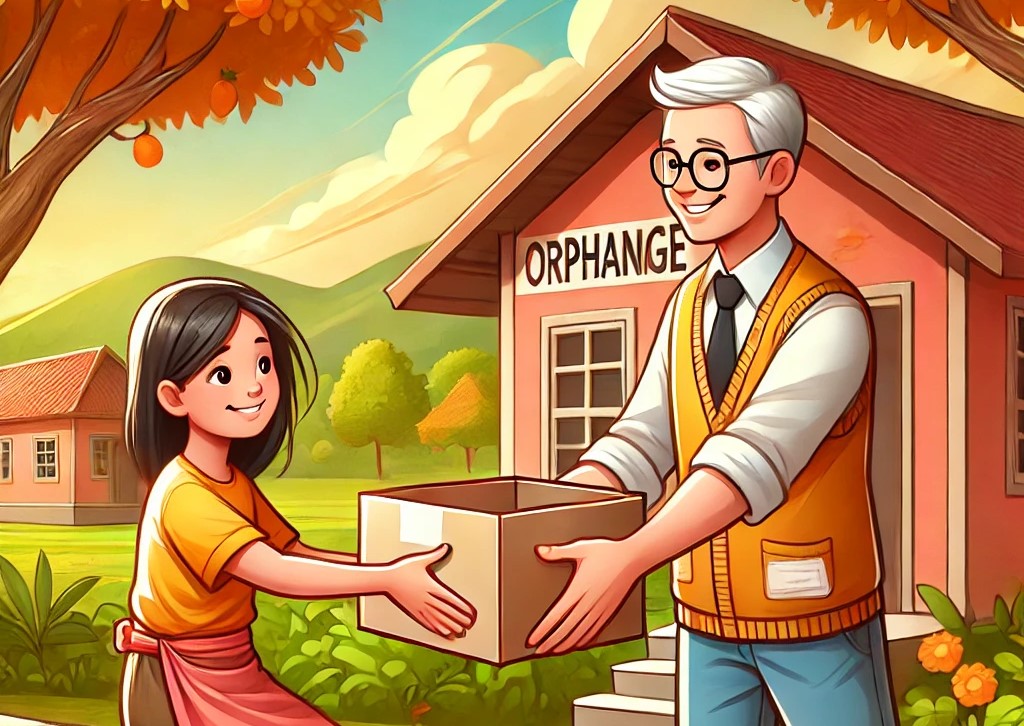
Bridging the Gap

Join Our Mission
For Donors
Maintain your inventory, view requests, and decide where your items make the most impact.
For Trusts
Create posts to request specific items and connect with local donors in your district.
How You Can Help
Register as a donor or a trust to start contributing or requesting donations today. Let's build a better future together.
🚀 Roadmap for Using Aidcare
A step-by-step guide for Donors and Orphanages.
🔹 Step 1: User Registration & Login
Who? Donors & Orphanages
✅ Sign up with your Name, Email, Mobile.
✅ Choose Donor or Orphanage.
✅ Verify email and log in.
Status: Account Created!🔹 Step 2: Navigating the Dashboard
Who? All Users
✅ Donors: View requests & donate,add items in inventory.
✅ Orphanages: Request items & view request response .
✅ Admin : Approve Eligible Orphanage users & manage Users.
Status: Ready to use!🔹 Step 3: Making a Donation (For Donors)
Who? Donors
✅ Donate through requests within same district.
✅ Upload images and provide details.
Status: Item is live!🔹 Step 4: Requesting & Claiming Donations
Who? Orphanages
✅ Post requests & view donation responses.
✅ Submit a request for approval.
Status: Awaiting approval!🔹 Step 5: Donation Handover
Who? Donors & Orphanages
✅ Arrange pickup/delivery.
✅ Mark as "Donated" after transfer.
Status: Donation complete!🔹 Step 6: Tracking & Managing Donations
Who? All Users
✅ View donation history & impact.
✅ Manage past requests.
Status: Efficient tracking!